
How to bind the OneBullEX Mastercard to Apple Pay?
The OneBullEX Mastercard supports binding to Apple Pay for payment transactions. After successful binding, users can make payments through Apple Pay at online or offline merchants that support international card payments.
The OneBullEX Mastercard is a virtual Mastercard issued in Hong Kong, with funds in the card settled in USD. Actual binding and payment results are subject to the review results of Apple Pay, merchants, the user's region, and card networks.
I. Please confirm before binding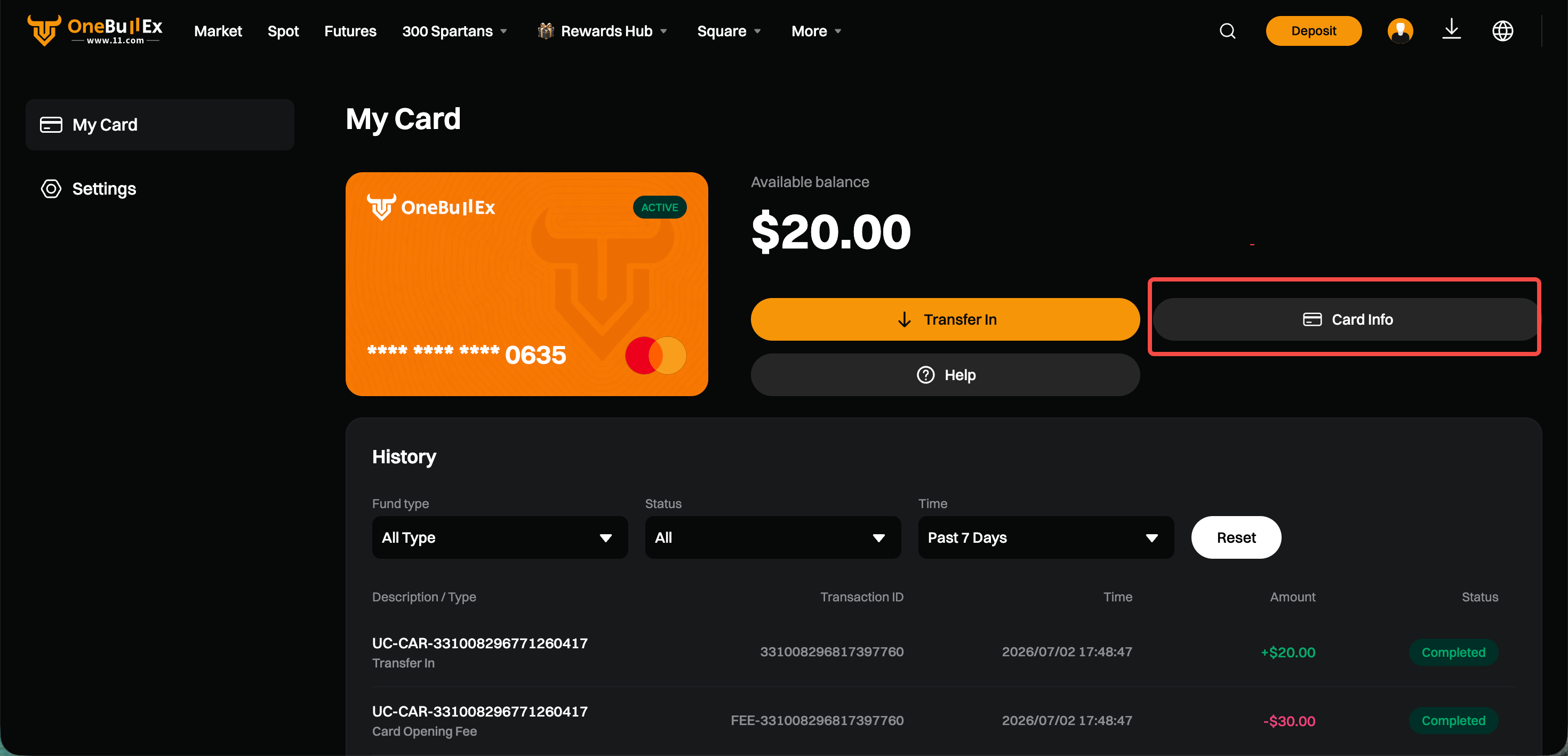
Before binding to Apple Pay, please confirm the following:
- The OneBullEX Mastercard has been successfully activated
- The card status is normal
- You have obtained the card number, expiration date, CVV, and other card details
- Your current device supports Apple Pay
- Apple Pay in your region and merchants support international card binding
II. How to bind to Apple Pay?
Users can follow the steps below:
Open the Wallet App on iPhone
Tap the "+" in the upper right corner
Select "Add Credit or Debit Card" – "Add Other Card"
Select "Add Card" – "Enter Card Details Manually"
Enter the OneBullEX Mastercard card number, expiration date, CVV, and name [feel free to fill in the note]
Follow the prompts on the Apple Pay page to agree to the terms, and select email verification [only email verification is supported, please do not select phone]
【Once the email verification is passed, the binding is complete】
III. What should I do if binding fails?
If binding fails, possible reasons include:
- Incorrect card information entered
- Abnormal card status
- Current device or Apple ID region is not supported
- Apple Pay does not currently support this card or use in this region
- Apple Pay platform risk control review failed
- System, network, or channel maintenance
Please check the card information and try again. If it still cannot be bound, please contact online customer service for assistance.
IV. Why can't I make payments even after successful binding?
Successful binding does not guarantee successful payment in all spending scenarios. Payment failures may be related to the following reasons:
- Insufficient card balance
- Merchant does not support international card payments
- Merchants or platforms outside Hong Kong do not support foreign exchange payments
- Restricted spending regions or merchant types
- Transaction triggers risk control from Apple Pay, the merchant, or the card network
- Abnormal card status
- Exceeding transaction limits
Please note that even if the payment fails, a 0.3 USDT authorization fee will still be charged each time a transaction authorization is initiated.
V. What should I provide when contacting online customer service?
If you encounter binding or payment issues, please provide the following information:
- UID
- Screenshot of the failure or error message
- Time of binding or payment
- Apple Pay region
- Transaction amount and currency
- Providing complete information will help customer service identify the issue more quickly.
Comments
0 comments
Article is closed for comments.